Nuvaka › Sync and clipboard
Sync across devices and a shared clipboard
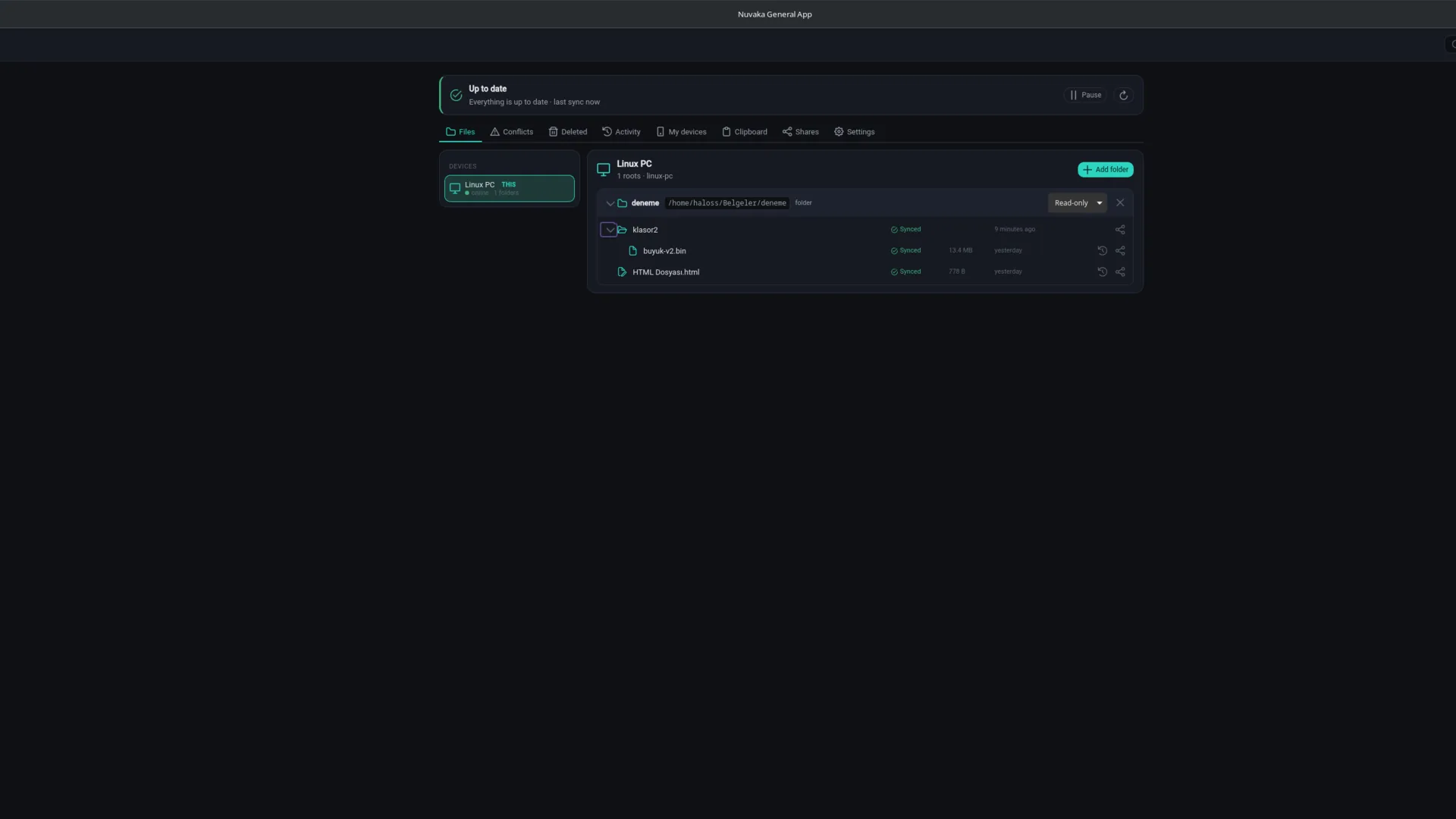
Nuvaka Sync keeps the folders you choose equal across your devices. A file you change on one computer reaches the others, and older versions are not lost. The shared clipboard carries the text and images you copy to your other devices.
Folder sync
- Add any folder to sync, read-only or read-write.
- Version history: see an older state of a file and bring it back.
- Conflict resolution: if the same file changed on two devices, you choose which one stays.
- Deleted items: bring back a file deleted by mistake.
- Block-based transfer: only the changed part of a large file is sent.
- Mirror folders: keep a copy of folders from another device on this one.
- Folder sharing with friends and per-device ignore rules (e.g. node_modules).
Your sync folders in My files
The folders you sync appear in My files under NuvakaSync, device by device. Open, download or update a file on another computer from there; your change reaches that device through sync. Folders that are read-only on the device are read-only here too. You are warned before deleting an item, because it is also deleted on the device; versions and deleted items are kept. Details on the File sharing page.
Shared clipboard
Copy on one device, paste on another. Text and images travel; on Windows and macOS copied files do too. Auto-send and auto-receive are switched on or off per device, and you set the size limit and types. On Android, send copied text with "Send clipboard" in the notification or "Send to Nuvaka" in the text selection menu.
Manage your devices
See the devices connected to sync in one list; follow their last-seen time, folders and status, and remove a device you no longer use. Every account has its own sync record, so if two accounts are used on the same computer their files do not mix.
Platforms and price
Windows, Linux, macOS and Android. Sync and the clipboard work with a free account; storage has a fair-use limit.
Frequently asked
Is sync a backup service?
No. Version history and deleted items bring your file back after most accidents, but sync is not a backup service; we recommend keeping a separate backup of important data.
What happens without internet?
You keep working on your files. When the connection returns, changes are compared and sent; if the same file changed in two places, you are asked about the conflict.
Does the clipboard send everything I copy?
Only on devices where auto-send is on. You choose the size limit and which types (text, image, file) go in the settings, and you do not auto-receive from devices you do not want.