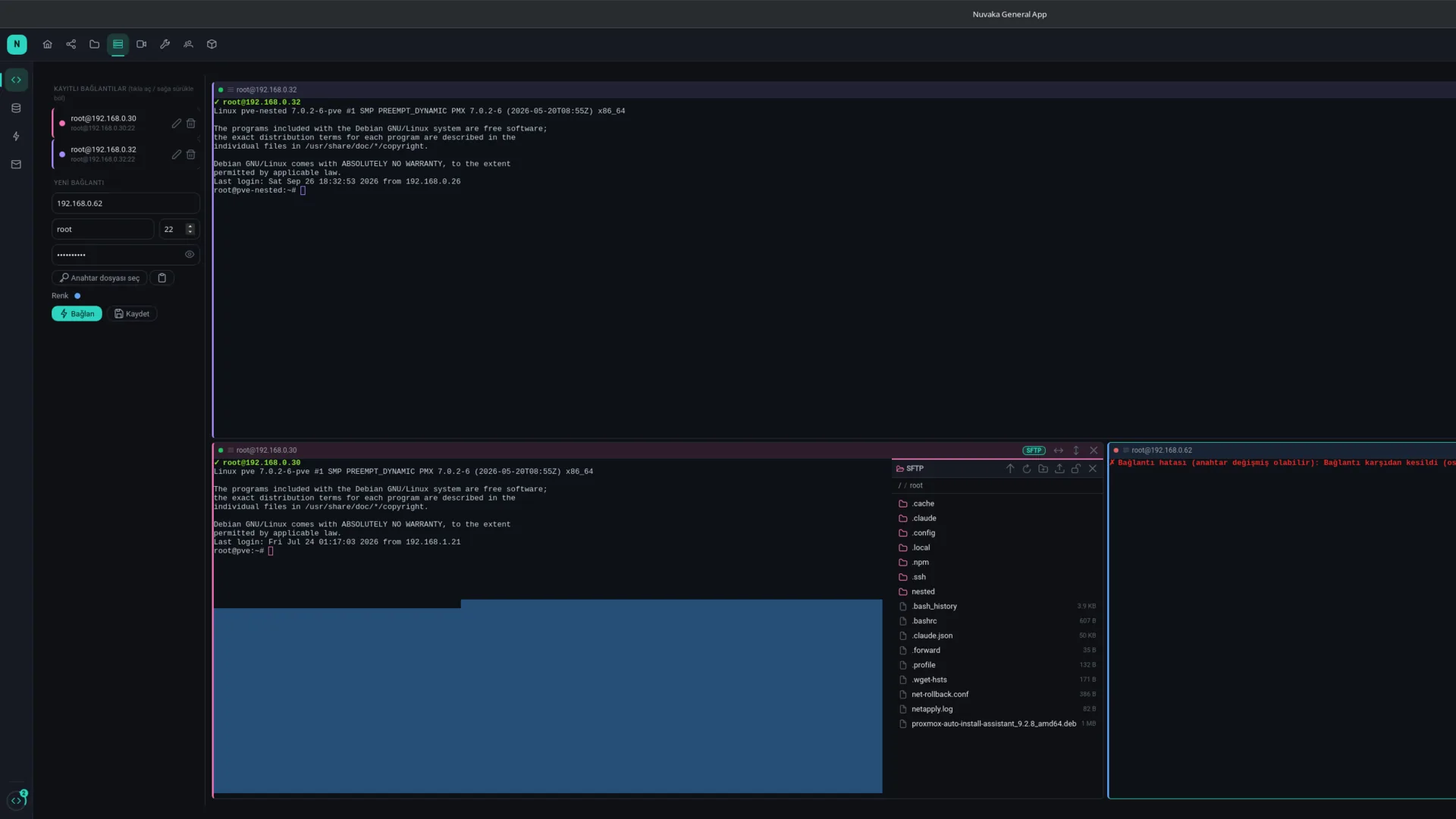
SSH and SFTP
A real in-app terminal with split panes, password or key-file login, drag-and-drop SFTP. A colour per server.
SSH, database and Redis connections; cloud storage, cross-device sync, shared clipboard, mail, file sharing, voice chat and remote configuration for your games. Server connections are made straight from your device.
Server modules run natively: you connect to databases, Redis and SSH directly from your own device, never through a relay. Storage, sync, clipboard and mail live in the Nuvaka cloud so every device sees the same data.
A real in-app terminal with split panes, password or key-file login, drag-and-drop SFTP. A colour per server.
Table, schema and query editor for PostgreSQL and MySQL. Key tree, JSON editor, TTL and cluster support for Redis.
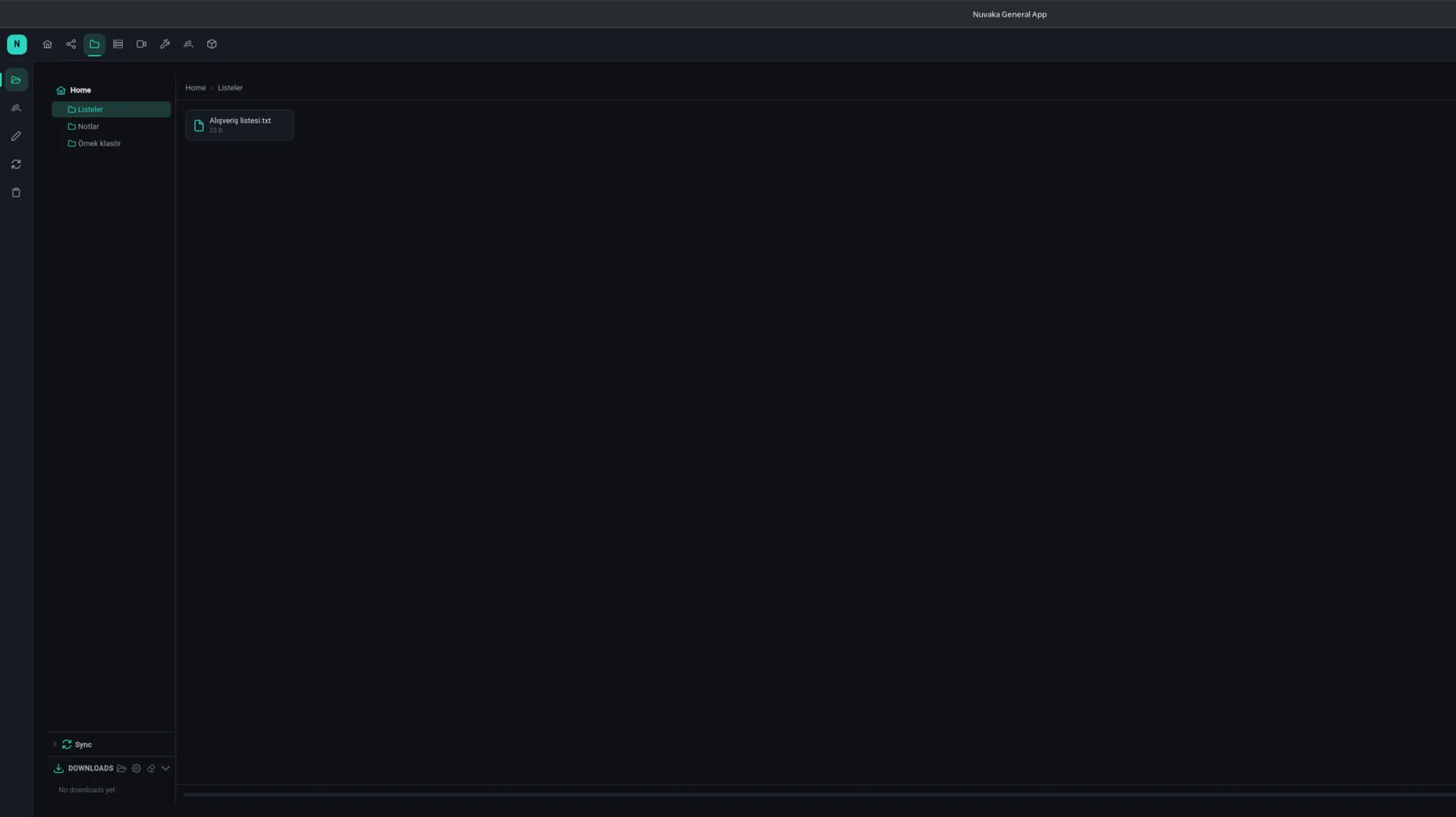
My files: folders, previews, sharing with friends, password-protected links. Notes: reminders with e-mail and Telegram alerts. The same storage on every device.
Folders you pick stay in sync across your devices. Version history, conflict resolution, restore deleted files, share a folder with a friend.
Copy on one device, paste on another. Text and images; auto-send and auto-receive toggle separately.
Upload a file, get a shareable link. Large files stream in the background in chunks; browse, copy or delete your past links.
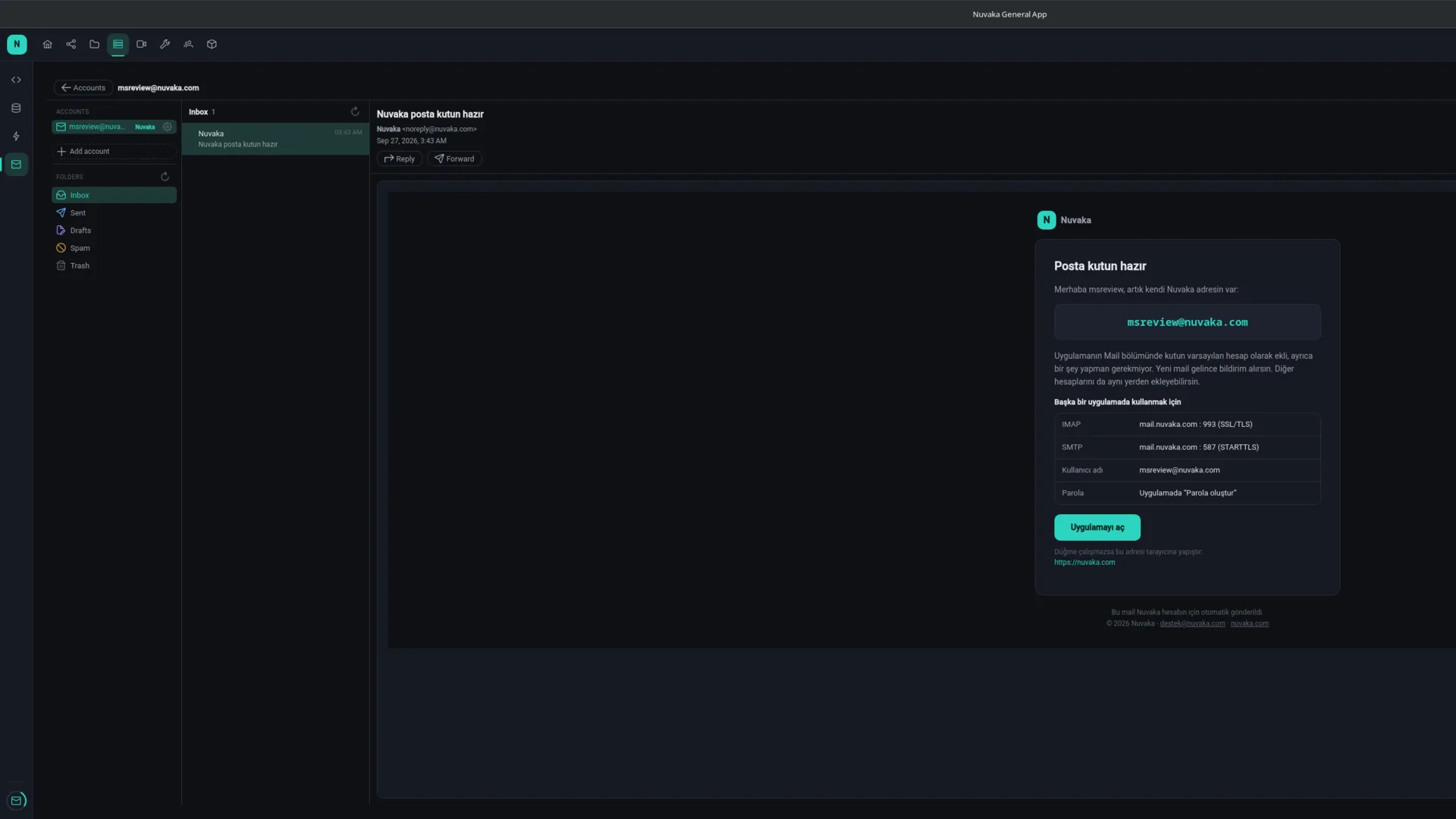
Connect IMAP and POP3 accounts: folders, reading, replies, saving attachments. The assistant searches and drafts for you; sending is your call.
Watch together in sync: play/pause, room chat, permissions. Low-latency native voice rooms; friends list and messaging on every screen.
Remote configuration for your game: version checks, server addresses, error texts, maintenance mode and known issues. The game asks with a single API key.
In depth (Turkish): SSH client and SFTP File sharing Sync and shared clipboard AI assistant Game management
Real screens from the desktop app (sample account).
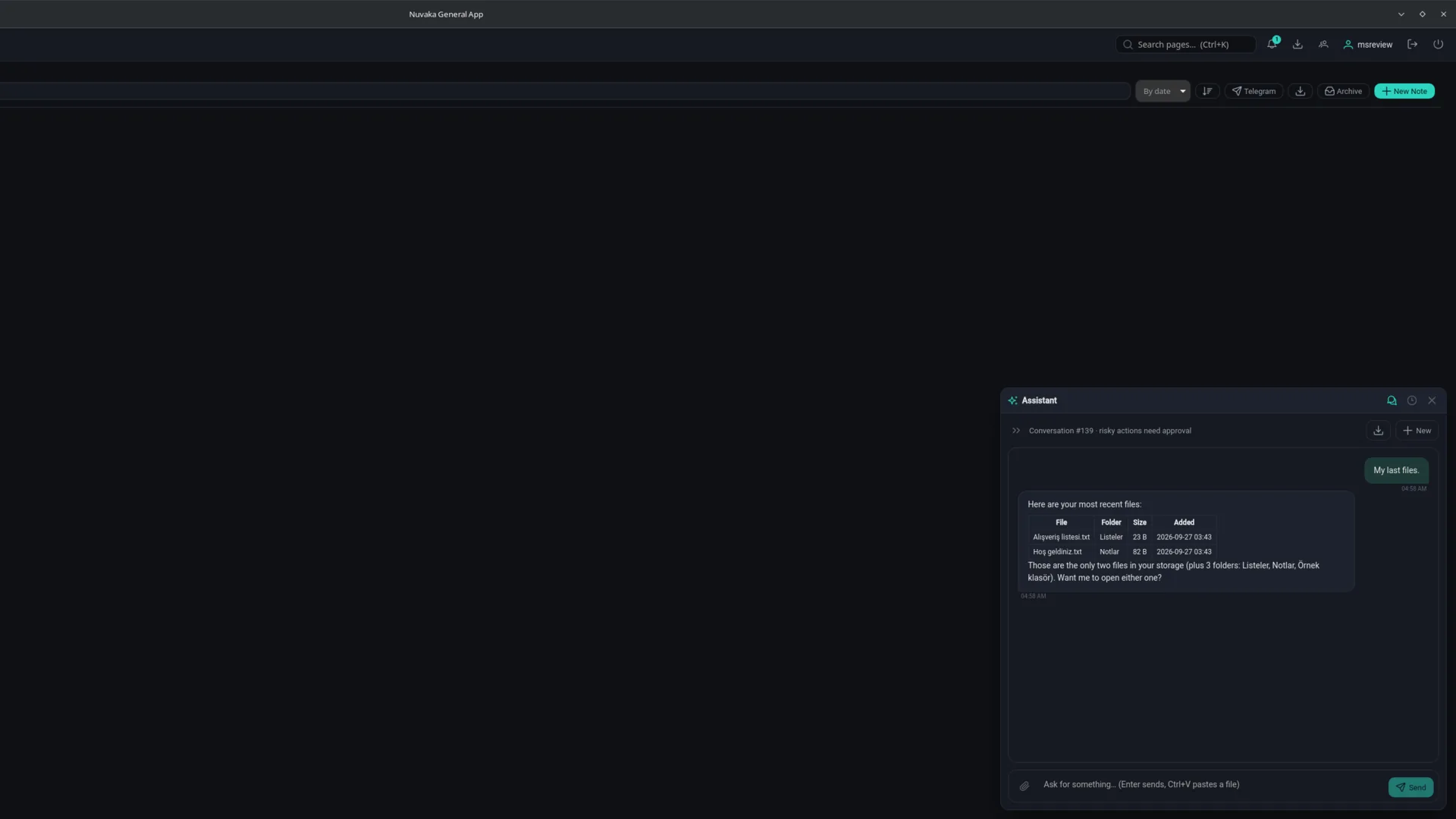
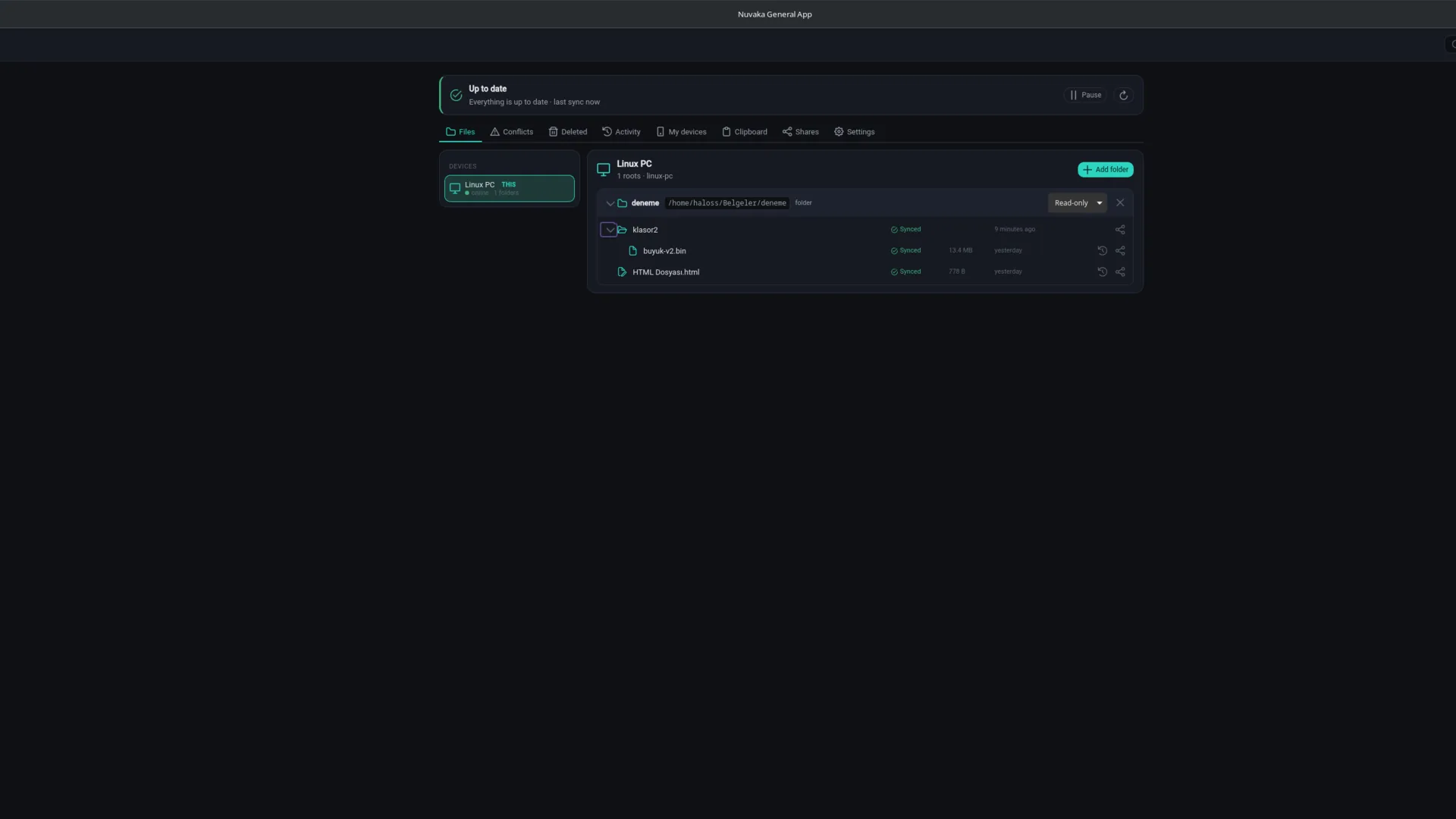
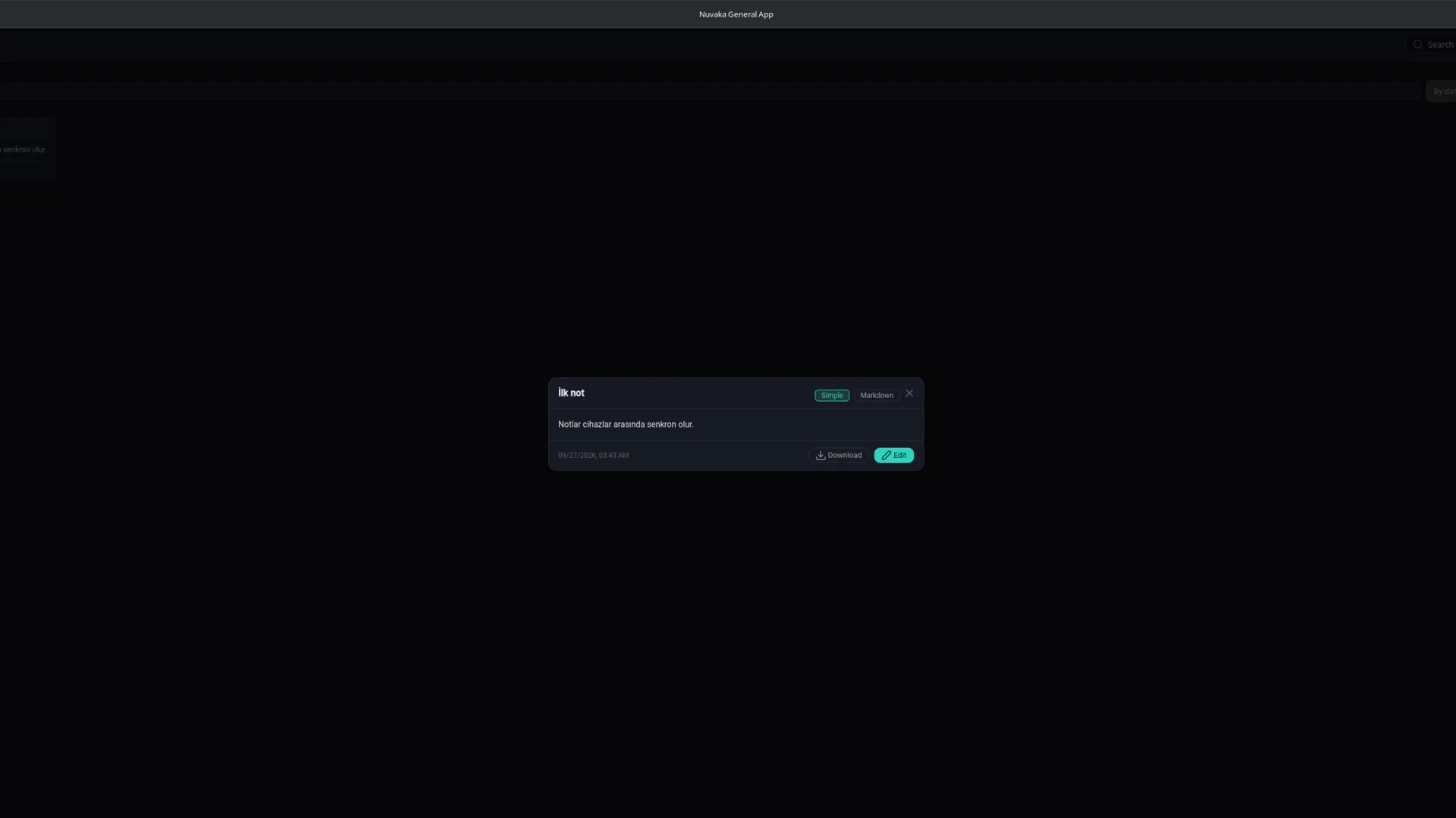
The assistant does not just answer questions; it operates almost the entire app for you. It organises your files, reads and replies to mail, resolves sync conflicts, writes to the clipboard, opens a release in Game Manager. You watch, and approve the risky steps.
Signed packages for Windows, Linux and macOS; an APK for Android. Updates arrive inside the app.
Free account, optional two-factor authentication. Storage, sync, clipboard and mail attach to your account; see your devices in Profile, sign them out or freeze them remotely.
Add your servers, pick sync folders, turn on the clipboard. Unfinished work stays in the left rail; pick up exactly where you left off.
Fetching version…
Windows 10 / 11 · 64-bit · installer
Coming soonx86_64 · .deb / AppImage · Wayland and X11
Coming soonApple Silicon and Intel · .dmg
Coming soonAndroid 8+ · APK · phone and tablet
Coming soonIf Windows SmartScreen warns you, choose More info → Run anyway. On macOS, if it says "unidentified developer", right-click → Open (or System Settings → Privacy & Security → Open Anyway); if it says "damaged", run xattr -cr "/Applications/Nuvaka General App.app" in Terminal. On Linux the app offers to install missing video packages itself.
Uygulama henüz App Store / Microsoft Store / Google Play'de değil; paketi bu sayfadan indirip kuruyorsun. İlk açılışta işletim sisteminin gösterdiği uyarı normaldir, aşağıdaki adımlarla bir kez geçilir. Sonraki sürümler (Android hariç) uygulamanın içinden kendiliğinden güncellenir.
Hangi Mac? Apple menüsü › Bu Mac Hakkında. "Yonga: Apple M1/M2/M3/M4" yazıyorsa Apple Silicon, "İşlemci: Intel" yazıyorsa Intel paketini indir.
.dmg dosyasını çift tıkla; açılan pencerede Nuvaka General App'i Applications (Uygulamalar) klasörüne sürükle.xattr -cr "/Applications/Nuvaka General App.app"Hangi Windows? Ayarlar › Sistem › Hakkında › Sistem türü. "x64 tabanlı işlemci" yazıyorsa x64 (Intel/AMD, çoğu bilgisayar), "ARM tabanlı işlemci" yazıyorsa ARM (Snapdragon, Surface Pro X/11) paketini indir.
…-setup.exe dosyasını çalıştır.chmod +x Nuvaka*.AppImage && ./Nuvaka*.AppImagesudo apt install ./Nuvaka*.deb · Fedora/openSUSE: sudo dnf install ./Nuvaka*.rpmx86_64 (Intel/AMD) ve ARM64 (Raspberry Pi 5 vb.) için AppImage ve .deb paketleri var.
The app isn't on the App Store / Microsoft Store / Google Play yet, so you download the package from this page. The operating system warns you on first launch; the steps below get you past it once. Later versions (except Android) update themselves from inside the app.
Which Mac? Apple menu › About This Mac. "Chip: Apple M1/M2/M3/M4" means Apple Silicon; "Processor: Intel" means Intel.
.dmg and drag Nuvaka General App into Applications.xattr -cr "/Applications/Nuvaka General App.app"Which Windows? Settings › System › About › System type. "x64-based processor" means x64 (Intel/AMD, most PCs); "ARM-based processor" means ARM (Snapdragon, Surface Pro X/11).
…-setup.exe.chmod +x Nuvaka*.AppImage && ./Nuvaka*.AppImagesudo apt install ./Nuvaka*.deb · Fedora/openSUSE: sudo dnf install ./Nuvaka*.rpmAppImage and .deb packages are available for x86_64 (Intel/AMD) and ARM64 (Raspberry Pi 5 etc.).
Two separate worlds. Server connections (SSH, database, Redis) are made straight from your device and the traffic never touches Nuvaka; only the connection details you choose to save are stored encrypted in your account. Storage, sync, the clipboard pool and mail data are kept on Nuvaka servers: transferred over TLS, tied to your account, deleted when you delete them. We do not claim end-to-end encryption.
Creating an account and the core features are free and will stay free. Storage has a fair-use limit; larger quotas and team features may become paid later. Nothing that is free today gets locked retroactively.
Connections you choose to save (host, user, optionally password or key) are stored encrypted under your account; the connection itself is always made from your device and the traffic never touches Nuvaka. You can also skip saving the key file and just pick it when connecting.
On Nuvaka servers, tied to your account. Transfer is over TLS; there is no end-to-end encryption on the server, so encrypt anything truly secret yourself before uploading. Deleted files go away with their version history; deleting your account deletes all your data.
Yes. Press "Open in app" on the link page and the app comes to the front. Desktop browsers do not do this automatically for security reasons, so it is one click.
Sign in with one of the recovery codes you were given during setup, then generate new ones under Profile → Security.